
Rust Admin Commands: 2,000+ Console Commands & ConVars
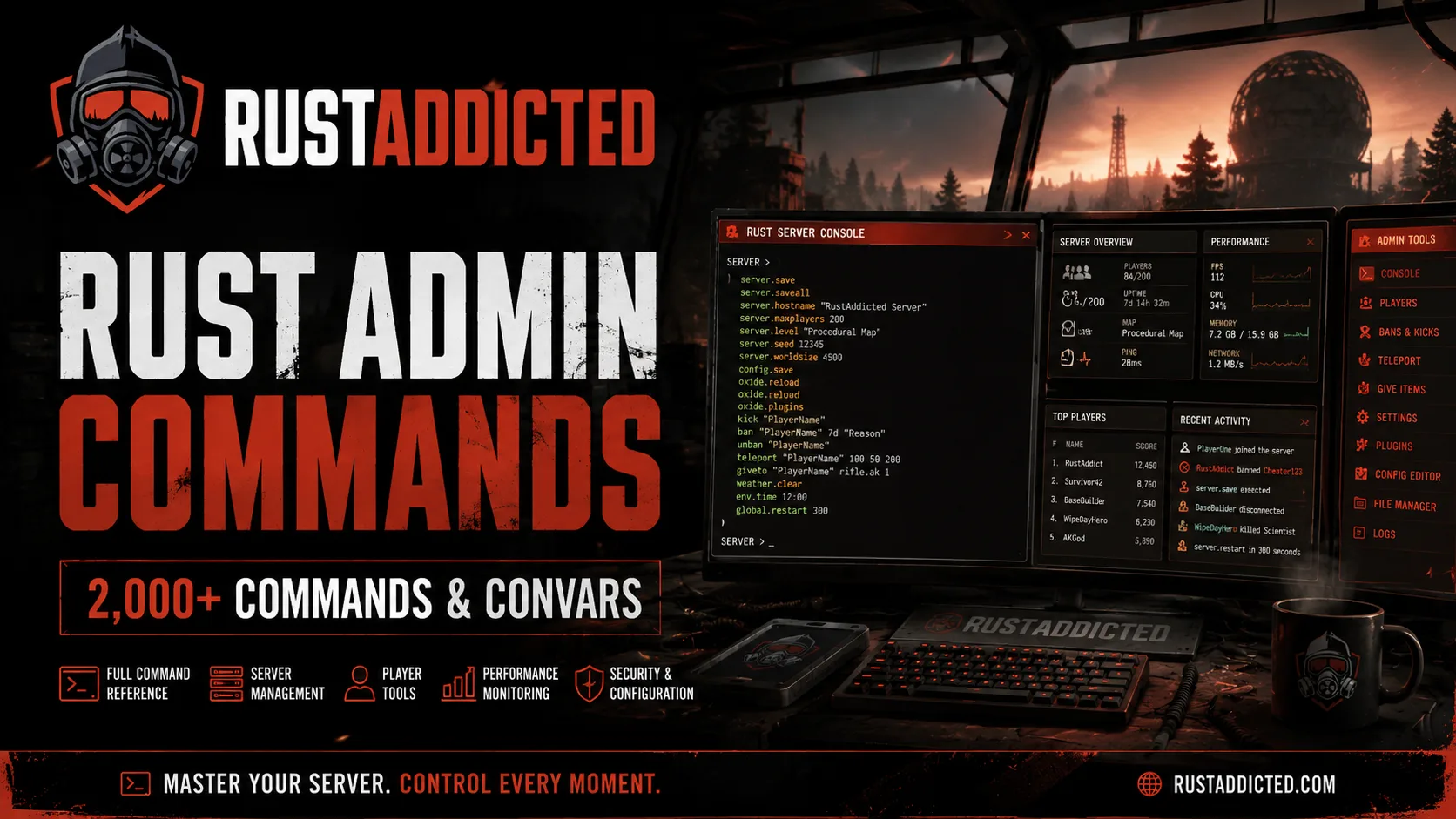
Rust Admin Commands: Complete 2026 Console & Server Command List
Running a Rust server usually means spending a lot of time in the console.
Whether you are changing server settings, debugging AI, managing players, spawning entities, adjusting events or simply trying to remember the exact name of a convar, sooner or later you need a reliable list of Rust Admin Commands.
That is why we have added a completely new Rust Admin Commands database to RustAddicted.
Instead of maintaining another manually written list that slowly becomes outdated, our database is generated from the Rust dedicated server data and is designed to stay synchronized with new game builds.
More Than 2,000 Rust Admin Commands in One Place
At the time of writing, the RustAddicted database contains:
-
2,161 Rust console commands
-
1,476 server convars
-
data for the newest Rust dedicated server build
The database is updated every forced wipe.
You can browse the complete database here:
https://rustaddicted.com/rust-admin-commands
The goal is simple: if a command exists in the current Rust dedicated server build, you should be able to find it without digging through old forum posts, outdated documentation or random GitHub repositories.
Why We Built a New Rust Admin Commands Database
Rust changes constantly.
Facepunch adds new systems, modifies existing convars and occasionally removes or replaces commands entirely.
That creates a problem for server owners.
A command shown in a tutorial from two years ago may no longer behave the same way — or may not exist at all.
Our Rust server commands database is built differently.
The command list is dumped directly from the dedicated server after updates, allowing us to track the commands and convars actually available in the current build rather than relying on a manually maintained static list.
That also means the database can contain commands that are rarely documented elsewhere.
Search Every Rust Console Command
Nobody wants to scroll manually through more than two thousand entries.
The page therefore includes a full command search.
Start typing part of a command and you can quickly narrow down the database.
For example, server administrators may search for areas such as:
server
player
spawn
weather
ai
inventory
decay
bradley
minicopter
cargoship
or hundreds of other command namespaces available in Rust. The current database exposes categories ranging from AI, Code Lock and Creative systems through NPCs, RCON, server settings, weather, vehicles, workbenches and world systems.
This becomes especially useful when you remember roughly what a command does but cannot remember its exact name.
Commands and Convars Are Not the Same Thing
When browsing Rust server administration documentation, you will frequently encounter both commands and variables — or convars.
They serve different purposes.
A command usually tells the server to perform an action.
A convar represents a configurable value or state.
For example, the database contains entries controlling AI behavior alongside commands that can immediately perform actions such as removing particular NPC types from the server.
Understanding that distinction becomes important when building server configs or debugging unexpected behavior.
Some settings are intended to remain configured.
Others perform an immediate action and are finished.
Our command browser labels entries accordingly.
Server, Client and Replicated Commands
Rust commands can also exist in different realms.
The database identifies whether entries apply to areas such as:
-
Server
-
Client
-
Replicated
-
Variables
-
Commands
This is useful because finding a command name alone does not necessarily tell you where it is supposed to run.
Some commands belong on the dedicated server.
Others exist on the client.
Some values are replicated between them.
Being able to see that directly next to a command removes a lot of trial and error.
Filter Admin-Only Rust Commands
Server owners are usually not interested in every single internal command exposed by the game.
Sometimes you specifically need commands intended for administration.
The RustAddicted command browser includes an Admin only filter so you can narrow down the list and concentrate on commands relevant to server management.
That makes the database useful not only as a technical reference, but also as a practical toolbox while actively administering a Rust server.
Find New and Removed Rust Commands
One of the most useful parts of maintaining this database across game builds is being able to see what changed.
The interface includes filters for:
New
and
Removed
commands.
That is particularly useful after a monthly Rust update.
Instead of wondering why a configuration suddenly behaves differently, server owners can check whether commands or convars have changed between builds.
For plugin developers, hosting providers and heavily customized servers, this can save a considerable amount of debugging time.
Browse Rust Commands by Category
You can also browse commands by namespace rather than searching individually.
The current database includes extensive categories covering systems such as:
-
AI
-
AntiHack
-
Auto Turrets
-
Bradley APC
-
Cargo Ship
-
Chat
-
Clans
-
Code Locks
-
Creative mode
-
Decay
-
Events
-
FPS
-
Inventory
-
Minicopters
-
MLRS
-
NPCs
-
Players
-
RCON
-
Server settings
-
Spawn systems
-
Vehicles
-
Weather
-
Workbenches
-
World systems
and many more.
If you are debugging a specific part of your server, opening the related namespace can often reveal settings you did not even know existed.
Useful Rust Admin Commands You May Not Know Exist
One thing that becomes obvious when looking through the full dedicated server dump is how much of Rust can actually be controlled through commands and convars.
For example, the current AI section alone exposes controls for AI movement, player ignoring, AI diagnostics, animal behavior, NPC behavior and performance-related processing.
There are also namespaces for individual game systems such as Bradley, Cargo Ship, helicopters, vehicles, weather, decay, electricity, planters and monuments.
Many of these settings are rarely mentioned in standard Rust server tutorials.
For administrators running highly customized servers, they can be extremely useful.
Useful for Performance Debugging
Rust server performance is complicated.
Server FPS problems can come from plugins, entities, AI, networking, player constructions or the game itself.
The official server exposes many diagnostic commands and variables that can help investigate those problems.
For example, the current command dump contains AI statistics and debugging functions as well as configurable AI processing behavior.
Instead of guessing which diagnostics might exist, server owners can search the database and inspect the available commands for the current build.
This is especially useful for larger servers where even small performance issues can have a noticeable effect on gameplay.
Useful for Rust Plugin Developers
The database is not only intended for server owners.
Rust plugin developers frequently need to know which native commands, convars and systems exist underneath the modding layer.
Having an automatically updated list makes it easier to:
-
investigate native game behavior,
-
find server-side configuration options,
-
debug conflicts,
-
discover newly introduced systems,
-
detect removed functionality,
-
and check what changed after a Rust update.
Because the database tracks the current game build, it can also serve as a quick reference after Forced Wipe updates.
Stop Using Outdated Rust Command Lists
There are plenty of Rust admin command lists on the internet.
The problem is that many of them were written once and then barely maintained.
Rust is not a static game.
A useful Rust Admin Commands list needs to evolve together with Rust itself.
That is why our goal is not to publish a list of the 20 most popular commands and leave it untouched.
We want to maintain a searchable database of the commands actually exposed by the current Rust dedicated server.
At the moment, that means 2,161 commands and 1,476 convars available to browse.
Part of the RustAddicted Workbench
The Admin Commands database is another part of the growing RustAddicted Workbench.
Alongside admin commands, RustAddicted already provides tools and databases including:
-
Rust Labs
-
World Database
-
Monument Database
-
Skins Database
-
Raid Calculator
-
Recycle Calculator
-
Craft Calculator
-
Tech Tree
-
Decay Calculator
-
Yield Calculator
-
Inventory Value
The site also links the command database with our developing Rust server administration tools.
Our long-term goal is to put the tools players, developers and server owners normally have to search for across multiple websites into one ecosystem.
Run Rust Admin Commands From Your Browser
The command database is also connected to a much larger project we are developing: Rust Admin.
The command directory currently links directly toward Rust Admin Pro, where the goal is to allow administrators to work with their servers and execute commands through a browser-based administration interface.
The command database is therefore not just a standalone reference page.
It is part of the infrastructure we are building for managing Rust servers more efficiently.
More about that project will be revealed separately.
Try the Complete Rust Admin Commands Database
If you run a Rust server, develop plugins or simply want to understand what can actually be controlled through the Rust console, bookmark the new database.
Rust Admin Commands List
https://rustaddicted.com/rust-admin-commands
Search more than 2,000 commands, browse by category, identify admin commands and keep track of the commands available in the latest Rust builds.
We will keep improving the database and integrating it with the rest of the RustAddicted platform.
One database. Every command. Always ready for the next Rust update.